Running Local AI Agents in 2026

I previously mentioned in my blog post about OpenClaw that I was really hoping that I could run an AI agent locally some day, but that the quality and speed of those local models was still too low to actually accomplish anything. I've been giving it another shot after testing Qwen 3.6 35B A3B (I recently replayed Nier: Automata, btw, maybe because all of these model names reminded me of 2B and 9S and A2). So far, the latest Qwen 3.6 model has been doing a pretty good job!
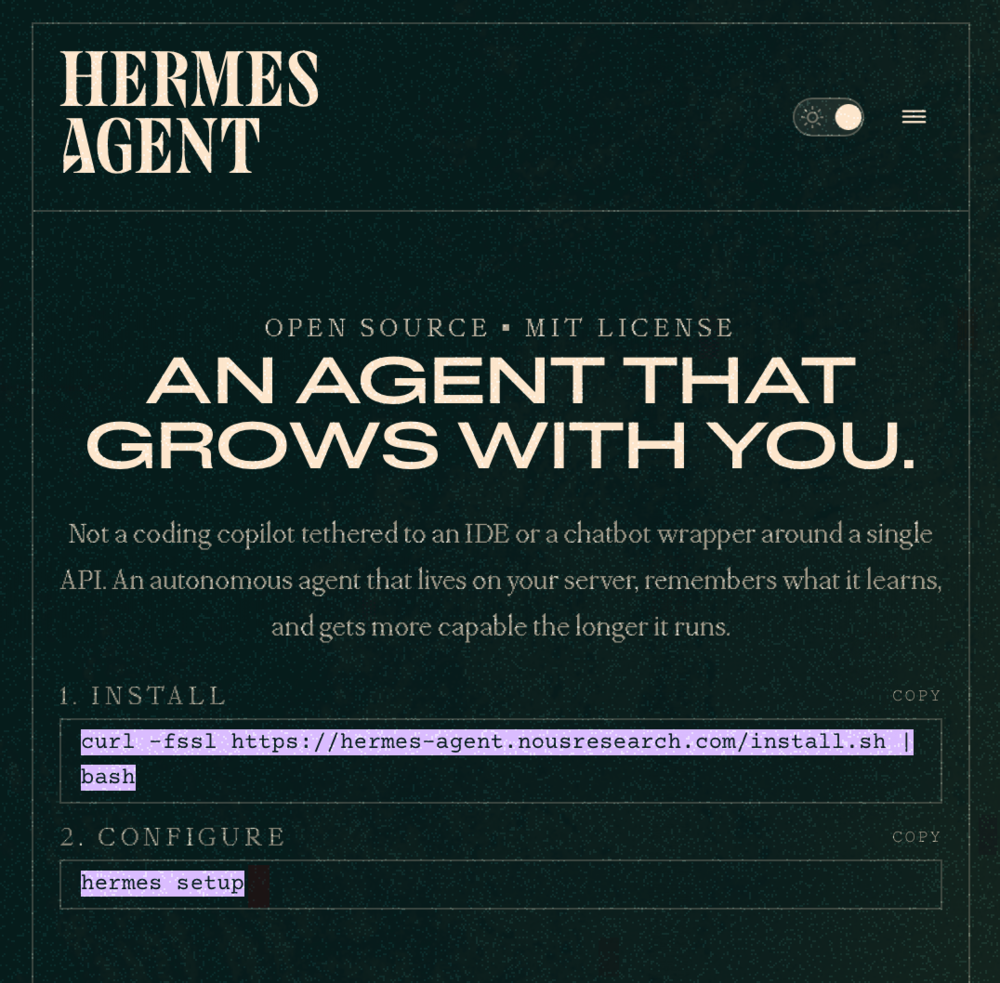
I read about a new OpenClaw-like agent called Hermes, which was made by Nous Research. For whatever reason, this one seemed more reasonable to me. It has some decent built-in skills like web browsing, along with some of the other ones that I recognized that OpenClaw has like Himalaya for email, and some built-in Apple ones like Find My.
At first I messed around with Hermes using some free OpenRouter models like Nemotron 3 Super (sadly my favorite StepFun 3.5 Flash model is no longer free). The more I thought about it, though, the more I realized that I really want to run a model locally, so I can do stupid shit like check my emails and tax returns and stuff without worrying about exfiltrating all of my data. Around the same time, I started trying out the aforementioned Qwen model, and found it to be good enough to do some agentic stuff, with some caveats.
The Context Problem (Again)
After using Hermes, I tried evaluating the 35B A3B model with some other AI harnesses like Codex, Claude Code, Pi, etc. I also started monitoring how tokens were processed and how long it took to get to the first token. I used oMLX as the inference server since I'm running a Mac Studio (M2 Max, 64GB RAM). I noticed that there are differing speeds for PP Tokens (lol) and output tokens.
The preprocessing tokens can go pretty fast, but if you have a giant context to start, it really becomes a bottleneck in getting your first output token. This is especially true if you are using a harness that stuffs a bunch of random shit like tools, skills, MCP servers etc into the initial system prompt. I noticed that when I made a raw call for inference with a super simple prompt, there's hardly any lag, and then you're off to the races. My system can do about 35 tokens per second with 500 tokens a second for preprocessing. This is pretty reasonable, if the output is sufficiently high quality.
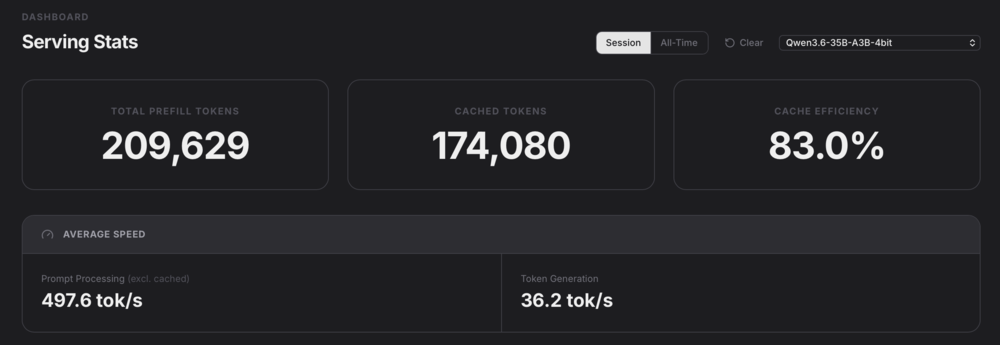
The most annoying thing is when I get a cache miss, and I have to preprocess the entire prompt again, which can take forever if I've built up a large context over a session. E.g. 15k tokens preprocessed at 500 tok/s takes 30 seconds just to get a new token! And some harnesses basically start you off at around that many tokens, so at a certain point I was waiting like a minute every time I got a cache miss.
This is stuff that is easily ignoreable if you simply never work with local LLMs. Most LLM providers give you a time to first token latency of less than a second, since they're running on actual hardware and not a potato Mac Studio. I think the companies and individuals who write these AI harnesses also assume that you're going to use a professional provider (why not), so they don't really need to take into account the latency aspect quite as much.
Additionally, it's pretty obvious that as the context size grows, the quality and accuracy of the output starts declining.
Rolling My Own Agent (Kinda)
I've been experimenting with running my own AI Agent loops, to see if I can automate things that need a bit more intelligence than a simple heuristic workflow can handle. I've actually found that most problems can still be solved pretty easily by just writing some code that does the thing you need. The paradox is that I don't really trust AI enough to one-shot a complex problem that a simple algorithm can't handle. Like if it's too hard to model in a flowchart, why do you think AI can figure it out?
But there are a few use cases that might be worth considering. For example, I like to buy stuff at the Umich Property Dispo. It's got a really random hodgepodge of things that seem way too dangerous or complicated for people to buy, yet they're on sale to the public! I've seen things like rodent guillotines, genomic sequencers, and things that are so specialized that I have to do some internet research to even figure out their intended use. So I thought I would write an agent that I could send a link to, that would research things like what the item actually does, whether the asking price is a good deal, and if the object in question is outdated or obsolete. Basically, I could let the AI do a first pass on all the random shit at Dispo before I take a look at it.

I used pi-agent-core (the same harness that OpenClaw uses, apparently) to make a super simple agent loop that takes a prompt and does research. It only has a browser tool that uses my own Chrome browser, since all the headless ones I've tried get blocked by Cloudflare. Even Cloudflare's Browser Run gets blocked by Cloudflare!
Additionally, the main agent only ever delegates work to subagents. This prevents the context from getting too large, since the subagents do all of the research and then report back to the main one in a summary. Limiting the context size speeds up the process, and it also makes the whole thing a bit more error-resistant since the main agent can just re-run another subagent if the subagent goes nuts.
This crappy agent that I vibe-coded actually seems to have a higher success rate than if I used Hermes Agent with the same local LLM. I think it's partly because I limited the tools and initial context sizes, along with managing the context that the subagents create, whereas Hermes is still a general purpose CLI that can try to do everything.
Final Thoughts on Local LLMs
Previously, I thought that local LLMs were too slow and dumb to actually use for anything useful. After tinkering with them some more, I think that they've progressed enough (and my understanding of how to use them as well) to the point that they can be useful for certain things.
As long as you can limit the context sizes (which seems like a lost art), they can do real, useful work, albeit slowly. The best use cases for them are probably processing a lot of data that isn't super time sensitive, especially stuff that you wouldn't want to send to a datacenter due to privacy concerns.
If you use LLMs and are interested in AI Agents etc, but you haven't tinkered with them locally, I do think you're missing out. In the current world where we're trying to get everything done faster, with less understanding and more results, it's kind of fun to use a slow and shitty local LLM to try and push its limits. At the very least, I feel like I have a better understanding of how LLMs work in practice. I'm sure that some of the context-limiting techniques can have a positive effect when I run them on hosted inference services, too.
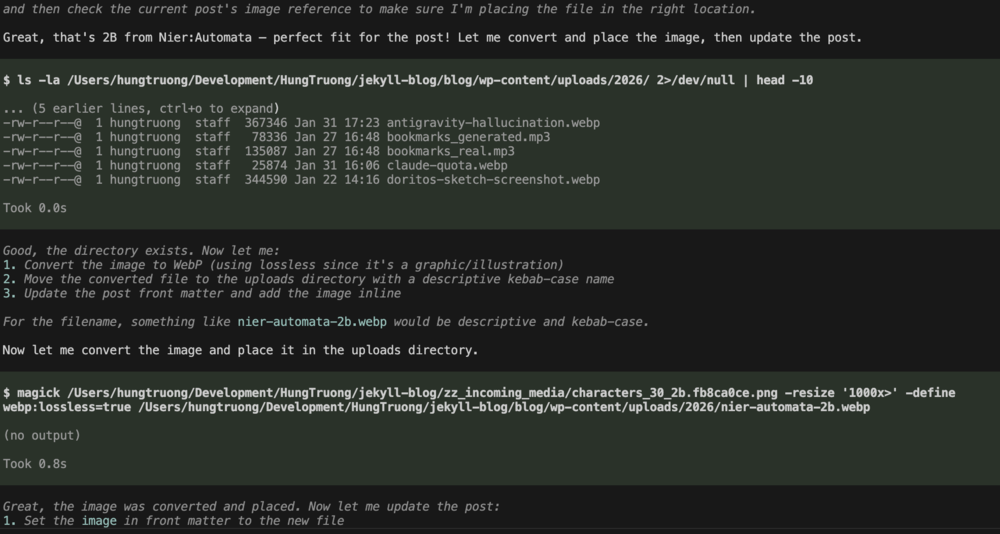
As a sidenote, I actually used a local LLM to edit this blog post (Usually I just use Gemini CLI). And by edit I mean I used it to add links to the Markdown format that I use to write these, and run scripts that resize and rename images to use in the post. I wrote all of the words myself, like a big boy!


Leave a Comment
Comments are moderated and won't appear immediately after submission.